Studio: AI product images
Make product photos, festive posts and ad images in about 30 seconds — from a sentence or from a photo of your product — then use them in the WhatsApp templates and campaigns you already send from Lynkist.
- 2 images for 10 credits
- Free credits on every plan
- Credits back if an image fails
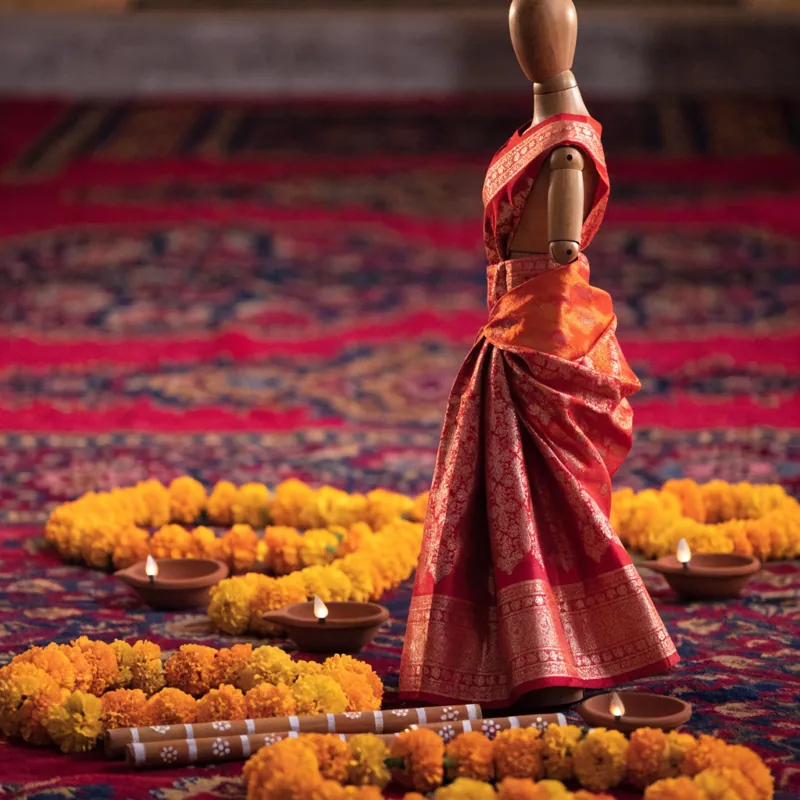

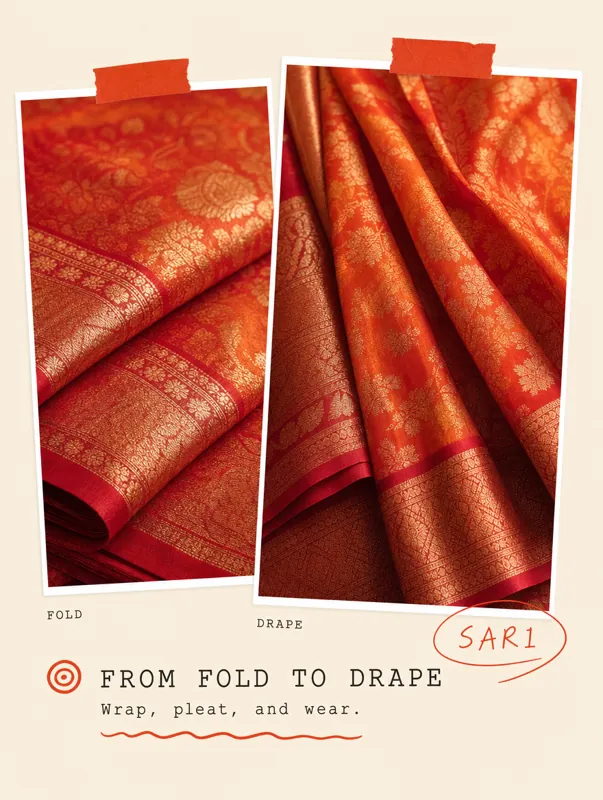
Make the ad where you send it
Other WhatsApp tools send the message, and you still need a designer, a photo app or a photographer for the picture. With Studio, a phone photo becomes an ad image in about 30 seconds, in the same place you send the campaign from.
Three ways to make an image
Quick — 2 images, 10 credits
Describe a scene in a sentence and get two images to choose from. English and Hinglish work as they are, and ✨ Improve translates Hindi. For posts, banners and backgrounds.
Edit — 1 image, 15 credits
Attach one to four photos and say what to change: “put this bottle on a marble table”. The product stays the same; only the scene changes.
Product Shot — 1 image, 30 credits
Upload a photo of your product and pick a ready-made ad style. You get an ad image of your real product, usually with a short headline.
How it works
Describe it, or upload a photo
Type what you want. A short prompt is fine: ✨ Improve rewrites it into a full description, free, and you edit it before you use it.
Wait about 30 seconds
You see the cost before you click. You can leave the page; the result stays in your history and in the gallery.
Use it
Download it, use it as the input of the next image, or send it straight to a new WhatsApp template as the header image.
Fair and simple
Pay only for images you get
If an image fails, is blocked by the content filter or takes too long, its credits come back. If one of two Quick images fails, you pay for one.
Free credits every month
Every plan includes Studio credits each month: Starter 20, Pro 60, Business 200. A free trial includes 10. Free credits are spent first.
1 credit = ₹1
Top up from ₹99 (packs of ₹99, ₹249 and ₹499, or any whole amount up to ₹10,000), plus GST, with a GST invoice for every top-up. Studio credits are separate from your WhatsApp credit.
Your images stay private
Images are stored privately for your workspace, never behind a public link. They are in your account data export and are deleted with your account.
No made-up words in your images
AI image models spell badly, so Quick and Edit make images with no text in them. Put your offer and greeting in the template message, where every word is right.
Made for WhatsApp
Square for the feed, 9:16 for status, landscape for template headers. Your team sees its images in one gallery; admins see everyone’s.
Studio credits on each plan
Free credits come every month and do not roll over. Paid credits you top up stay until you use them.
| Plan | Free credits / month | That is, for example |
|---|---|---|
| Free trial | 10 | 1 Quick (2 images) |
| Starter | 20 | 2 Quick (4 images) |
| Pro | 60 | 6 Quick, or 2 Product Shots |
| Business | 200 | 20 Quick, or 6 Product Shots |
Images are made with third-party AI image models. The price in credits is fixed when you click Generate.
Studio questions
What is a Studio credit?+
One credit is worth ₹1, before GST. Quick costs 10 credits for 2 images, Edit 15 credits for 1 image, and Product Shot 30 credits for 1 image. You see the price on the Generate button before you click. Studio credits are separate from the WhatsApp credit that pays for messages.
What happens if an image fails?+
You get the credits back. If an image fails, is blocked by the content filter or takes too long, its credits return to your Studio wallet automatically. If one of the two Quick images fails, you pay only for the one you got.
Do free Studio credits roll over?+
No. Each plan gives free Studio credits every month — Starter 20, Pro 60, Business 200, and 10 during a free trial — and the next month’s credits replace what is left. They are spent before paid credits. Credits you top up do not expire with the month.
Are my Studio images private?+
Yes. They are stored privately for your workspace and shown only to signed-in members: your own images to you, and every image to admins. They are never behind a public link. Your account data export includes them, and deleting your account deletes them. To make an image, the prompt and photos you give are sent to our AI image provider.
Can Studio put my offer or greeting text on the image?+
Not in Quick and Edit: AI image models often misspell words, so these options make images with no text. Write the offer or greeting in the template message, and use the image as its header. Product Shot styles often add a short headline about the product.
Make your first product image
Start a free trial and get 10 Studio credits to try it — no card needed.
- No charge until day 15
- Cancel anytime
- No card to start